Risk Management
How to Calculate Position Size in Forex
Calculate forex lot size from your planned USD loss and stop distance, with clear XAUUSD and EURUSD examples and a free position-size calculator.
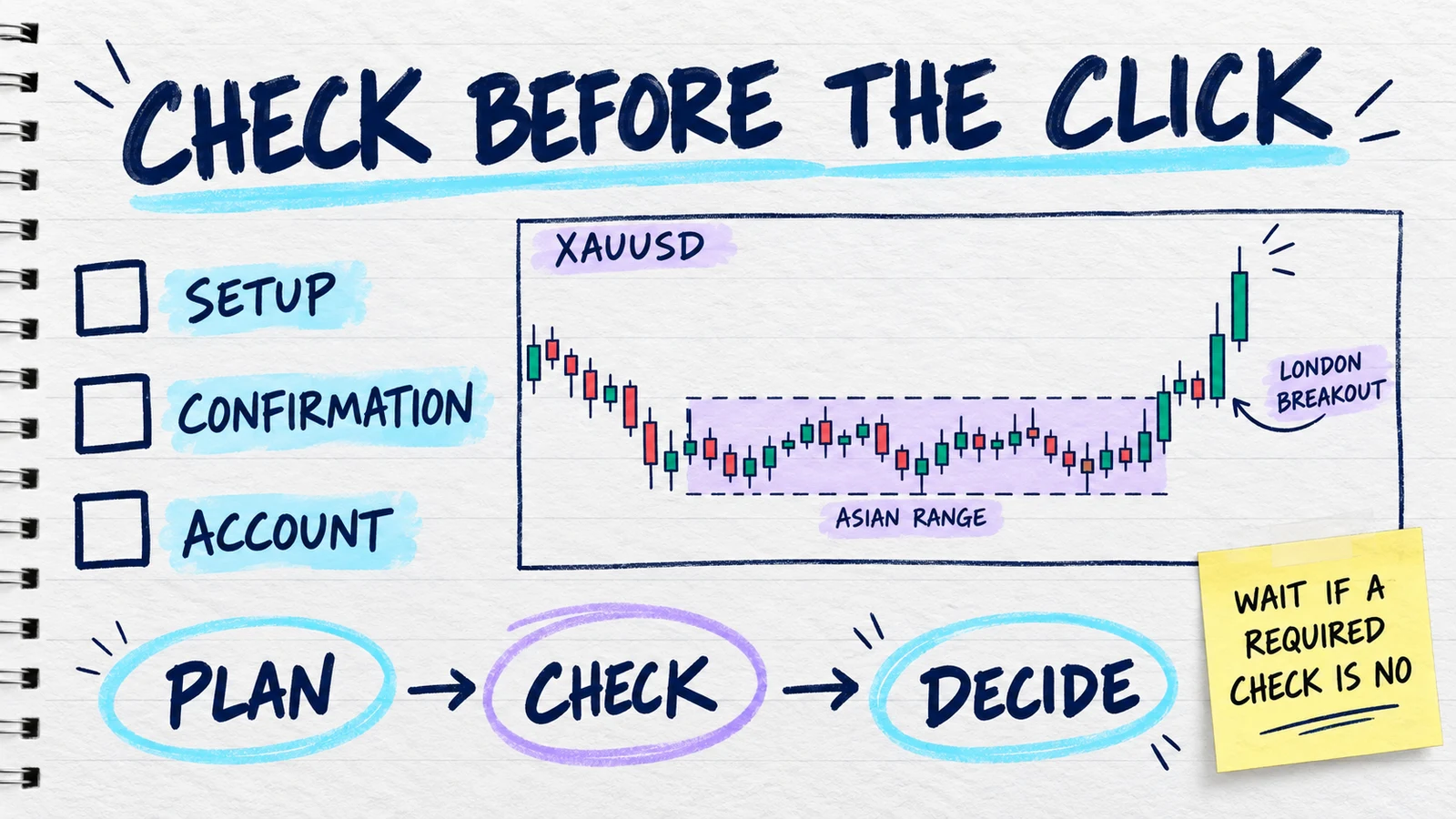
You have an XAUUSD breakout marked for the London session. You know where the setup becomes invalid, so you know where the stop belongs. But when the order window asks for a lot size, you pause.
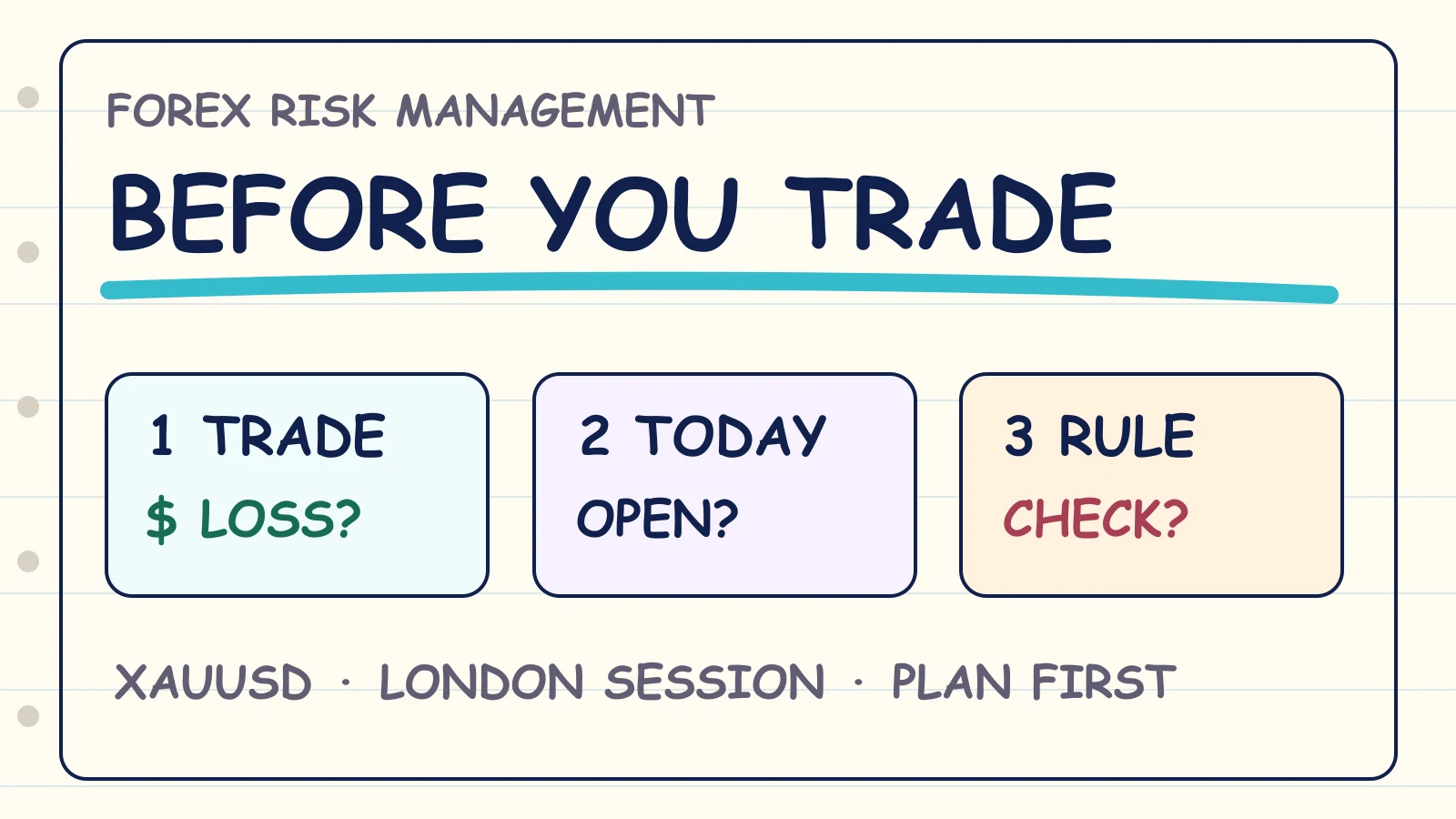
That pause is useful. Position sizing should come from the loss you planned and the distance to your stop. It should not come from how confident you feel about the setup.
Quick answer: position size = planned USD loss ÷ estimated loss for 1.00 lot at your stop. The exact pip value, tick value, contract size and currency conversion can change by instrument and platform, so verify those inputs before using the result.
Use the free forex position size calculator when you already have the inputs. This guide explains what each input means and shows the calculation step by step.
Choose the stop before the lot size
Imagine you see an XAUUSD breakout after the Asian range. You may feel ready to enter as soon as price moves. First ask: where is this setup wrong?
That price gives you the planned stop loss. The distance between your entry and stop is one part of the calculation. If you choose the lot size first and then move the stop to make the numbers fit, your planned USD loss changes.
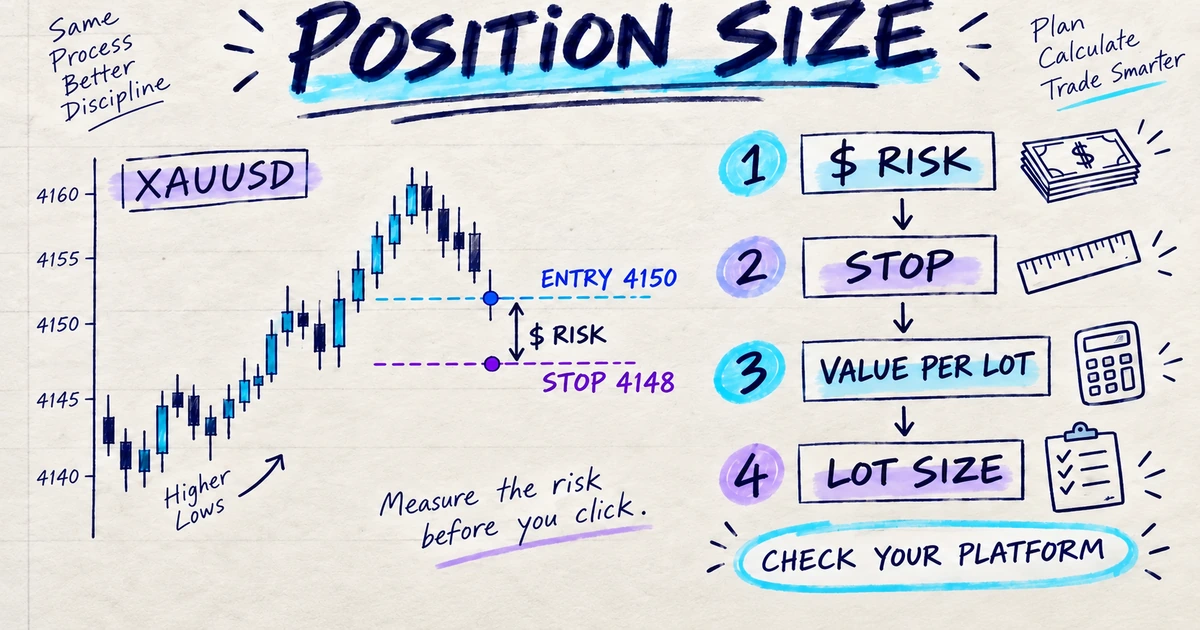
The order is:
- define the setup and invalidation level;
- choose the planned entry and stop;
- choose the USD loss allowed by your own plan;
- verify the value of the move for 1.00 lot; and
- calculate and round the lot size to the step accepted by your platform.
The four numbers you need
1. Planned USD loss
This is the amount you chose before entry. It may come from a percentage in your own rulebook or from a direct USD amount. There is no universal percentage that fits every trader or prop-firm account.
If you use a percentage, the arithmetic is:
Planned USD loss = account balance × selected percentage ÷ 100
Read risk per trade if you want a shorter explanation of this input.
2. Stop distance
For many forex pairs, you may enter the distance in pips. For XAUUSD and other symbols, a price-distance method can be clearer: subtract the stop price from the entry price and use the absolute distance.
3. Value of that move for 1.00 lot
This may be shown as a pip value, tick value or contract size in your platform’s symbol specification. Do not silently assume that EURUSD, USDJPY and XAUUSD use the same values.
4. Lot step
Your raw result may be 0.537 lot, while your platform accepts steps of 0.01. Rounding down gives 0.53 lot. Rounding up would increase the estimated loss.
XAUUSD position-size example
Suppose you are planning a fictional XAUUSD London-session breakout with these inputs:
- account balance: $10,000;
- selected arithmetic input: 1%;
- planned loss: $100;
- entry: 4150;
- stop: 4148;
- price distance: $2; and
- contract size used for this example: 100 units per 1.00 lot.
The 1% and 100-unit figures are example inputs. They are not recommendations, and 100 units must not be treated as a universal XAUUSD contract specification.
First calculate the estimated loss for 1.00 lot:
$2 price distance × 100 units = $200 loss for 1.00 lot
Then divide the planned loss by that amount:
$100 planned loss ÷ $200 loss for 1.00 lot = 0.50 lot
The calculated size is 0.50 lot for these fictional inputs.
Before entering, compare that estimate with your platform’s own order information. Spread, commission, slippage or a price gap can make the realised loss different from $100.
EURUSD pip-value example
Now imagine a fictional EURUSD setup with:
- planned loss: $100;
- stop distance: 20 pips; and
- entered pip value: $10 per pip for 1.00 lot.
Loss for 1.00 lot = 20 pips × $10 = $200
Position size = $100 ÷ $200 = 0.50 lot
Again, the $10 pip value is an entered example. Confirm the value for your pair, lot type and account currency. A JPY pair, non-USD account or different contract can require a different value or conversion.
Pip mode and price-distance mode
| Use this mode | Enter these values | Best fit |
|---|---|---|
| Forex pip mode | Planned USD loss, stop distance in pips, USD pip value for 1.00 lot and lot step | When your platform gives you a reliable pip value |
| Price-distance mode | Planned USD loss, entry, stop, contract size, any needed quote-to-USD conversion and lot step | XAUUSD or another symbol where contract and price distance are clearer |
The table scrolls horizontally on a narrow screen so the explanations stay readable.
If your quote currency is already USD, a quote-to-USD conversion of 1 may be correct. If it is not, use a current conversion value or use the USD loss-per-lot figure shown by your platform. The calculator does not fetch a live exchange rate.
Why your realised loss can be different
The result is an estimate based on the values you entered. Your final result can differ because of:
- spread and commission;
- swap or other account costs;
- slippage between the trigger and fill;
- a gap through the planned stop;
- a partial close or manual exit; or
- a different contract, tick or currency value from the one you entered.
A correct position-size calculation also does not prove that the account is safe. Check open exposure, margin, the daily drawdown limit, the overall drawdown limit, and the exact rules for your program.
Common position-size mistakes
- Choosing a favourite lot size before choosing the stop.
- Copying a pip value from another pair or account currency.
- Assuming every broker uses the same XAUUSD contract size.
- Moving the stop but forgetting to recalculate the size.
- Rounding the raw lot size up.
- Treating the planned loss as a guaranteed maximum.
- Checking one trade while ignoring other open positions.
If you feel urged to increase the size because the last trade lost, stop and use the same calculation you planned before the result. The page about revenge trading explains why that urge can pull the next decision away from your rulebook.
Copy this pre-entry check
Instrument: XAUUSD
Session: London
Setup: Breakout after Asian range
Planned entry: 4150
Planned stop: 4148
Planned USD loss: $100
Platform contract size checked: Yes / No
Raw calculated size: 0.50 lot
Rounded-down size: 0.50 lot
Open exposure checked: Yes / No
Daily and overall limits checked: Yes / No
After the trade, record the actual fill, costs and USD result separately. PropLogAI can store the setup, session, planned risk, result and rule-adherence notes you enter so you can review the decision later. It does not place the order or read your broker account.
The wider forex and prop-firm risk-management guide connects position size with drawdown rules, open exposure and your written plan.
Frequently asked questions
What is the formula for forex position size?
In pip mode, divide the planned USD loss by the stop distance in pips multiplied by the USD pip value for 1.00 lot. In price-distance mode, divide the planned USD loss by the entry-to-stop distance multiplied by the contract size and any required USD conversion.
How do I calculate lot size for XAUUSD?
Choose the entry and stop, find the absolute price distance, confirm the contract size for your exact XAUUSD symbol, and calculate the estimated loss for 1.00 lot. Divide your planned USD loss by that estimate. Do not assume every platform uses the same contract size.
Should I use a fixed percentage on every trade?
That is a decision for your own rulebook and exact account conditions. This guide does not recommend a percentage. It only calculates the result from the input you choose.
Does the calculator guarantee my maximum loss?
No. Costs, slippage, gaps and the actual fill can change the realised result. The calculator gives an estimate from your inputs.
Does the position size prove I am inside the prop-firm rules?
No. Daily loss, overall loss, open exposure, margin, news, consistency and other rules are separate checks. Use the firm’s current dashboard and rule pages for official account status.
Sources and limits
CME Group’s position-size lesson supports using the planned loss and the distance to the stop as sizing inputs. It does not set a universal risk percentage for you.
MetaTrader 5’s symbol-properties reference documents instrument-specific values such as tick size, tick value, contract size, profit currency and volume step. Your broker configures the symbol available in your account, so verify the values shown by your own platform.
Your next step is simple: confirm the platform values, calculate the size, and write the assumptions in your plan before you enter.
Start your trading journal
Track trades, understand your psychology, and get personalized AI coaching. No signals, no financial advice — just better self-review from your own data.
Get Started Free