Trading Journaling
Trading Journal Template for Prop Firm Traders
Use this practical trading journal template to record XAUUSD and forex setups, session context, rule compliance, emotions, screenshots, and review notes.

A trading journal should tell you what you traded, when you traded it, which setup you saw, whether you followed your rules, and what you will check next time. It should not become a long diary that you stop using after three days.
This template is built for practical reviews. It uses clear labels such as XAUUSD, London session, liquidity sweep, and breakout and retest, so you can group comparable trades instead of writing vague notes like “gold trade” or “my usual setup.”
Quick start: record the instrument, session, setup, planned confirmation, execution, result, and one next-time rule. Add a chart screenshot when the setup is easier to see than describe.
Build a clear journal entry
Choose the market context and record the process. The preview updates as you work.
- Setup
- Liquidity sweep
- Plan
- Partly
- Emotion
- Impatient
- Result
- Profit
- P&L amount
- +$125.00
Wait for the breakout candle to close before marking the setup as confirmed.
Copy the complete trading journal template
Use the fields below in Excel, Google Sheets, Notion, or a notebook. You can also download the CSV template and remove any columns that do not help your review.
| Section | Fields to record |
|---|---|
| Trade context | Trade ID, date, account, instrument, session, setup name, timeframe, review timezone |
| Pre-trade plan | Why the setup qualified, required confirmation, invalidation, planned entry and exit method, relevant account rule |
| Execution | Actual entry and exit, position size followed plan, stop or exit changed, unplanned trade added |
| Process review | Plan followed, setup compliance, account-rule compliance, what worked, what should change |
| Behaviour | Emotion before and during the trade, behaviour tags, one-sentence lesson |
| Evidence | Before-and-after chart screenshots, notes, and a question for the weekly review |
The template records your own plan and your own current account rules. It does not supply a universal risk percentage, drawdown limit, or setup definition because those inputs vary by trader and program.
A clear XAUUSD example
Imagine a trader who planned one XAUUSD setup during the London session. Their written setup was a liquidity sweep of the Asian session range followed by breakout confirmation. This is a fictional journal entry that demonstrates clear naming; it is not a market forecast or a setup recommendation.
| Journal field | Fictional entry |
|---|---|
| Instrument | XAUUSD |
| Session | London session |
| Setup name | Asian range liquidity sweep + breakout confirmation |
| Review timeframe | 5-minute chart |
| Why it qualified | Price moved beyond the trader’s marked Asian range and returned; the trader then waited for the confirmation required by their written plan |
| Emotion before entry | Calm while waiting, then impatient after the initial move |
| Plan followed? | Partly |
| What changed? | The entry was taken before the breakout candle had closed |
| Result | Small gain |
| Process review | The positive result does not remove the early-entry error |
| Next-time rule | Wait for the breakout candle to close before marking this setup as confirmed |
The useful part is not the result. The journal preserves the sequence: Asian session range → London liquidity sweep → planned breakout confirmation → actual execution → review. That lets the trader compare this entry with other trades using the same setup name.
Name the session instead of writing “morning”
Session labels make entries easier to filter. Use Asian session, London session, or New York session, then record your review timezone separately. For an Indian reader, that might be IST. Keeping both fields avoids confusion when daylight-saving changes affect international session times.
The session tag only describes context. It does not imply that one session is always better or that a setup will behave the same way every day.
Give every setup one stable name
Choose a name that another version of you could understand weeks later. Examples include:
- Breakout: price leaves a range under the conditions defined in your plan.
- Liquidity sweep: your own setup label for price moving beyond a previously marked level before the conditions you require next.
- Breakout and retest: a breakout followed by the retest conditions written in your plan.
- Range reversal: a reversal setup defined around a range boundary and your required confirmation.
These labels are categories for review, not instructions to enter a trade. Define the checklist behind each label in your rulebook and keep the wording stable. If you rename “London breakout” to “range expansion” halfway through the month, your spreadsheet may treat the same setup as two different groups.
For a deeper field-by-field explanation, use the guide to trading journal fields. The broader prop firm trading journal guide explains how these entries fit into a complete review system.
Separate setup quality from execution quality
A clean setup can still be executed poorly. A weak or incomplete setup can still end with a profit. Record both parts:
- Setup compliance: did the market context and confirmation match the trader’s written definition?
- Execution compliance: did the trader enter, size, manage, and exit according to the plan?
- Account-rule compliance: did the action stay inside the current program rules the trader recorded?
- Outcome: what happened after costs, kept separate from the three checks above?
This makes setup compliance reviewable. A profitable XAUUSD trade taken before confirmation can be marked “profit” for outcome and “partly” for execution. One field cannot hide the other.
Add screenshots that answer a question
A screenshot is useful when it preserves evidence. Save one chart before entry and another after exit when possible. Mark only what matters to the review: the session range, the level being watched, the planned confirmation, the actual entry, and the invalidation point from the trader’s plan.
Use a consistent filename such as:
2026-09-24_XAUUSD_London_Liquidity-Sweep_T-014.png
The filename connects the image to the journal row without depending on memory. Avoid filling the chart with annotations that do not answer a review question.
Keep the daily entry short, then review the pattern
Complete factual fields soon after the trade. Save the deeper interpretation for a separate trade review. At the end of the week, filter your entries by:
- instrument, such as XAUUSD;
- session, such as London or New York;
- setup name, such as breakout or liquidity sweep;
- plan followed: yes, partly, or no;
- emotion or behaviour tag;
- account-rule compliance.
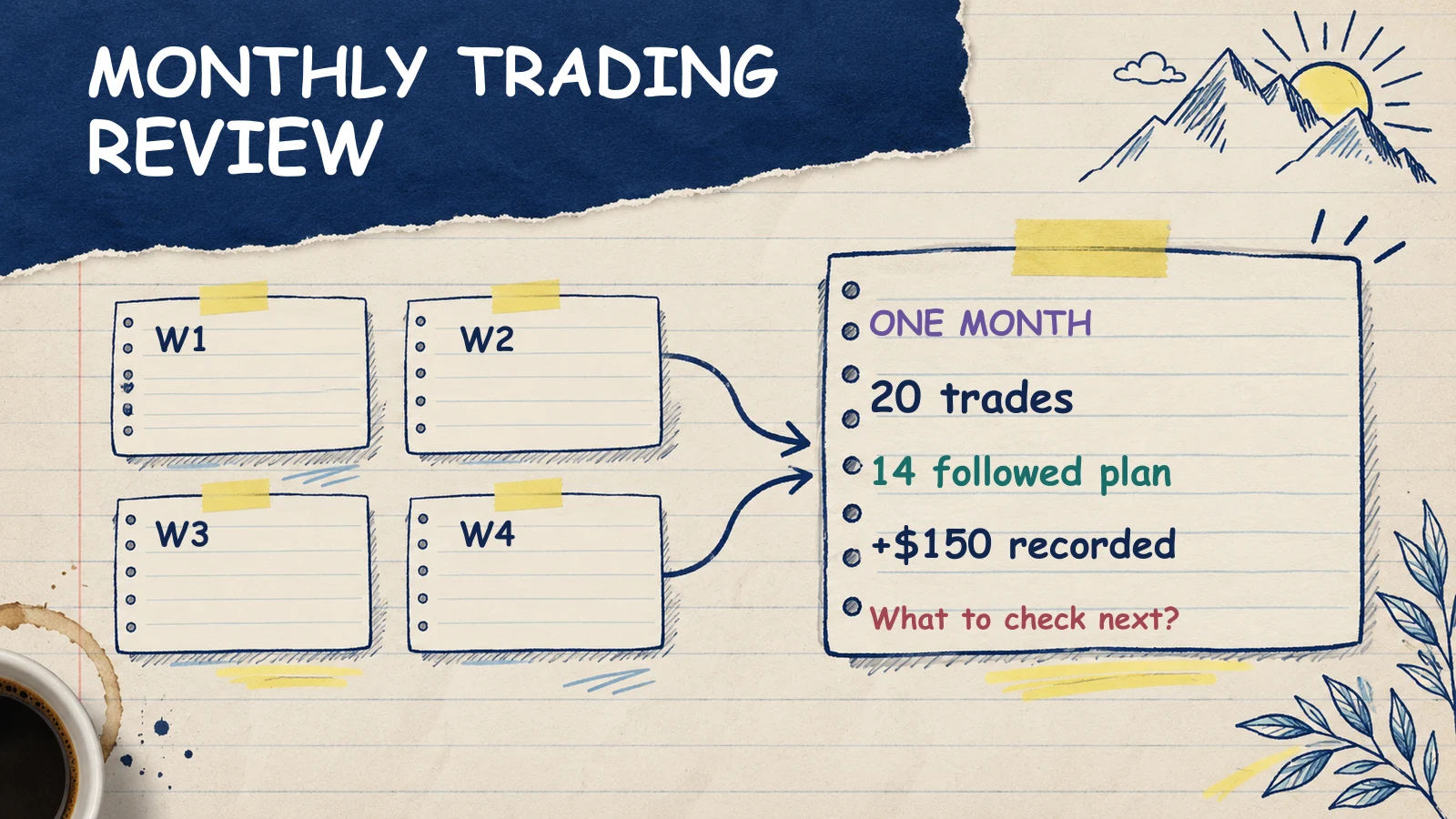
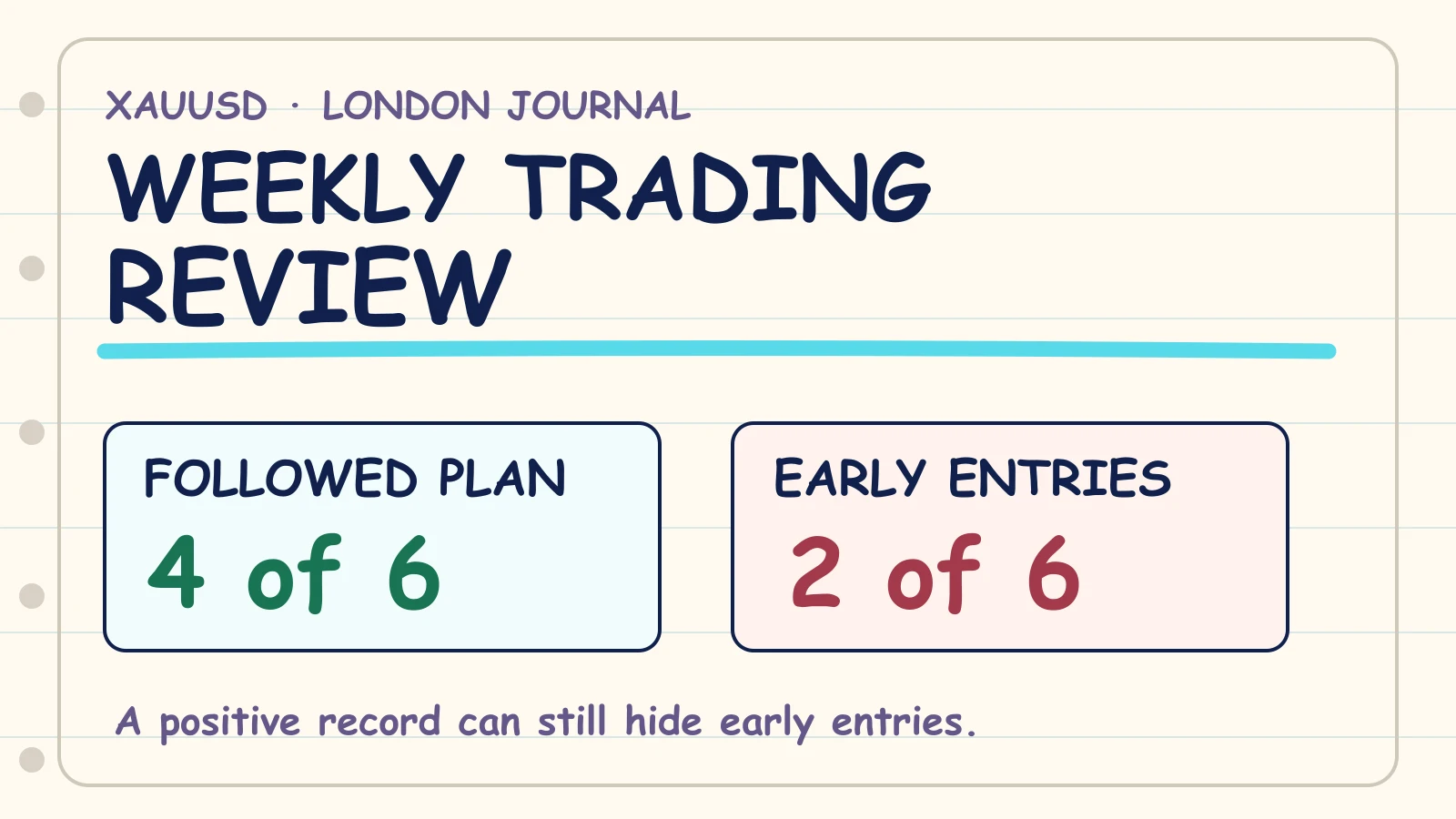
Then choose one repeated issue to study. The weekly trading review template helps turn several entries into one specific adjustment. Use the monthly trading review template when you have enough weeks to examine a slower pattern.
Common mistakes that make a journal less useful
Logging only P&L. The result cannot show whether a London-session breakout followed the plan or survived a rule break by chance.
Writing vague notes. “Bad entry” gives you nothing to test. “Entered XAUUSD before the breakout candle closed” identifies an observable action.
Changing setup names. Stable names make filtering possible. Keep a short definition beside each setup label.
Recording only memorable trades. Selective journaling can make a pattern look cleaner or worse than the complete record.
Never reviewing the entries. A spreadsheet full of rows is storage. A review asks a question and decides what to observe next.
Where PropLogAI fits
You can use this template in a spreadsheet or notebook. PropLogAI is another way to store trade details, notes, emotions, rule adherence, and screenshots, then review patterns in your own journal data. It does not provide trade signals or guarantee an outcome.
If you prefer an online record, see the free trading journal. If you prefer a downloadable sheet, keep using the CSV template on this page.
Choose the format you will complete consistently. The best template is the one that preserves enough context to compare the next XAUUSD liquidity-sweep entry with the previous one.
Frequently asked questions
Can I use this trading journal template in Excel or Google Sheets?
Yes. Download the CSV, open it in Excel or import it into Google Sheets, then keep only the fields that answer a real review question.
Should I create separate journals for the Asian, London, and New York sessions?
Usually, one journal with a session column is easier to maintain. Filter that column when you want to compare sessions. Separate files can make a complete weekly review harder unless there is a clear reason for the split.
Is “breakout” specific enough as a setup name?
It can be a category, but the journal should also record the confirmation required by your written plan. “Asian range breakout after candle close” is more reviewable than “breakout.”
Do I need screenshots for every trade?
Screenshots are useful when they preserve context that a row cannot. If you use them, keep the capture and filename method consistent so each image stays connected to the correct entry.
How often should I review the journal?
Record factual details soon after the trade, then use a consistent weekly review for repeated patterns. A monthly review can compare several weekly observations without turning each daily entry into a long analysis.
Start your trading journal
Track trades, understand your psychology, and get personalized AI coaching. No signals, no financial advice — just better self-review from your own data.
Get Started Free